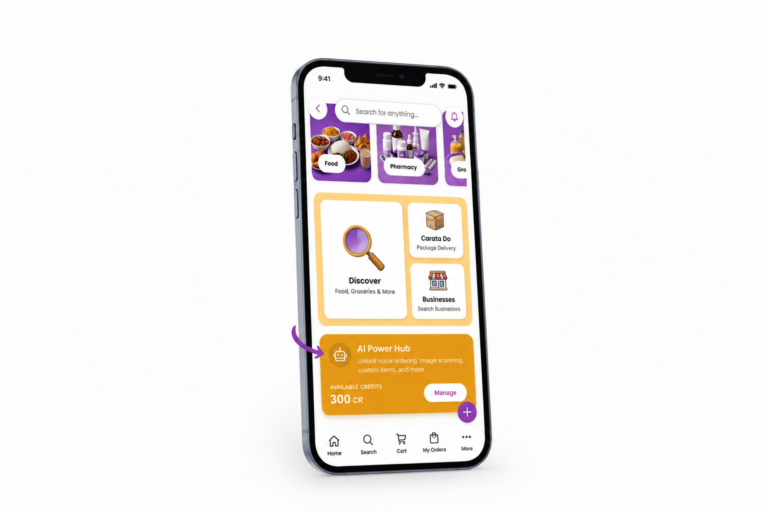
Subscribing to Carata only takes a few taps, and we’ve made it easy to find no matter how you use the app. Here’s how to subscribe to Carata. First, there are two places where Carata puts the subscription option right in front of you.
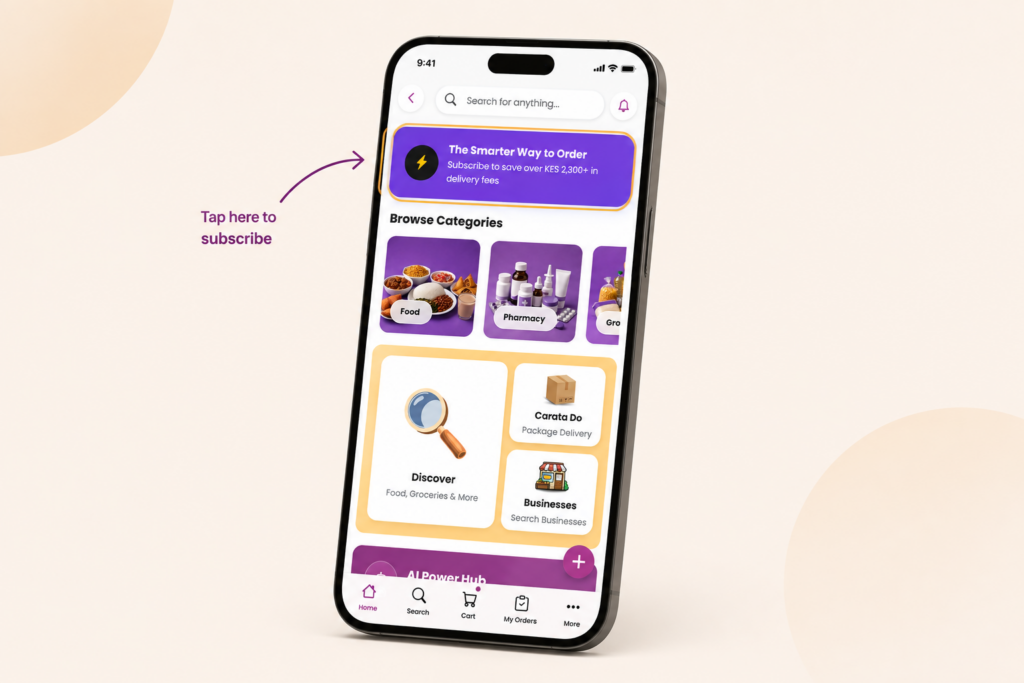
- The quickest way to subscribe is from the Home page. Right at the top of the homepage, you can see a subscription banner inviting you to start saving on delivery fees. Simply tap it to view the available plans, choose the one that works for you, complete your payment and you’re done.
2. If you’re placing an order without a subscription, Carata also reminds you before you pay. Your checkout page shows you exactly what you’re about to pay in delivery fees and exactly how much you’d save by subscribing instead. One tap on “Subscribe” and you can skip that fee before you even complete your order. If subscribing makes more sense for you, you can do it right there before completing your order.
Carata offers different subscription plans to suit different ordering habits. Whether you order occasionally or rely on Carata almost every day, you can choose a plan that matches how you shop and start enjoying free deliveries on eligible orders. That’s It! Once your subscription is active, there’s nothing else you need to do. Every eligible order automatically enjoys the benefits of your subscription, so you can focus on getting what you need instead of thinking about delivery fees. One quick setup gives you the freedom to order whenever you need to, with fewer fees and less to think about.